Online Booking Page for Hair Salons: What Converts in 2026
Last updated by the LushLane editorial team.
Quick answer
Online Booking Page for Hair Salons: What Converts in 2026
Join UK salons, barbers and beauty studios switching to a flat-fee booking platform built for owners — not marketplaces.
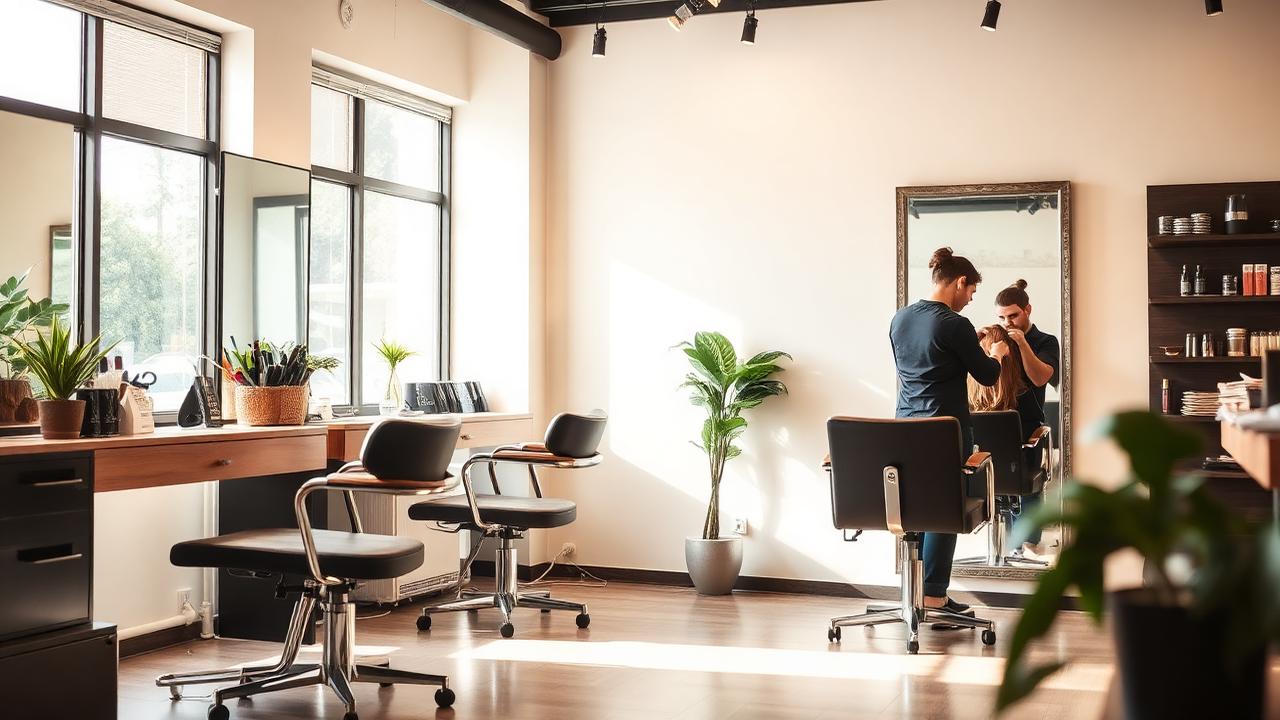
Your online booking page is often the first real interaction a client has with your hair salon. If it feels slow, confusing or unfinished, clients may leave before they ever reach your chair.
A high-converting booking page is not about fancy design. It is about clarity: the client understands the service, sees the price, chooses a time and receives confirmation without needing to message the salon.
Show services clearly
Clients should not need insider knowledge to book. Use service names that match the way real clients search and speak.
Good service names are specific and easy to understand.
- Cut and blow-dry.
- Root tint.
- Full head highlights.
- Balayage consultation.
- Toner refresh.
- Children’s cut.
- Gents cut.
Avoid vague labels such as “service 1” or “colour package” unless the description explains exactly what is included.
Add descriptions where clients get confused
Descriptions reduce wrong bookings. They also reduce the number of messages your team has to answer.
A useful description explains:
- Who the service is for.
- How long it takes.
- What is included.
- Whether a consultation or patch test is required.
- Whether the final price may vary.
Reduce the number of steps
The ideal journey is simple: choose a service, choose a stylist if needed, pick a time, pay any deposit and receive confirmation.
Every unnecessary step creates drop-off. If the page asks too many questions before showing availability, clients may leave.
Use deposits without killing conversion
Deposits work best when they are shown clearly before payment. Clients should understand what they are paying and what happens if they cancel late.
Keep the wording calm and professional. A deposit is there to protect appointment time, not punish clients.
Design for phones first
Most clients book from a phone. Buttons should be large, pages should load quickly, and payment should work smoothly on mobile.
Check the page on a real phone before sending clients to it. If you have to pinch, zoom or scroll endlessly, the page needs simplifying.
Make the confirmation useful
A good confirmation reduces anxiety and prevents no-shows.
Include:
- Salon name and address.
- Service booked.
- Date and time.
- Staff member if relevant.
- Deposit paid if relevant.
- Rescheduling or contact instructions.
The bottom line
A strong online booking page turns interest into confirmed appointments. Make services clear, keep the journey short, design for phones and use deposits where they protect the diary.
LushLane gives UK hair salons a clean booking page with services, staff, deposits and reminders built in.
If you are comparing salon booking tools, our salon software pricing UK comparison explains the cost side, while the salon deposit system UK guide, salon text reminder templates and getting more Google reviews for your salon show the workflows that protect revenue.