How Do Salons Manage Staff Calendars and Client Bookings?
Last updated by the LushLane editorial team.
Quick answer
How Do Salons Manage Staff Calendars and Client Bookings?
For salon owners, juggling staff availability, client appointments, and service bookings can feel like an endless puzzle. Understanding how do salons manage staff calendars and client bookings efficiently is key to maintaining a smooth operation and a thriving business. Without a clear system, you risk double-bookings, staff burnout, and missed revenue.
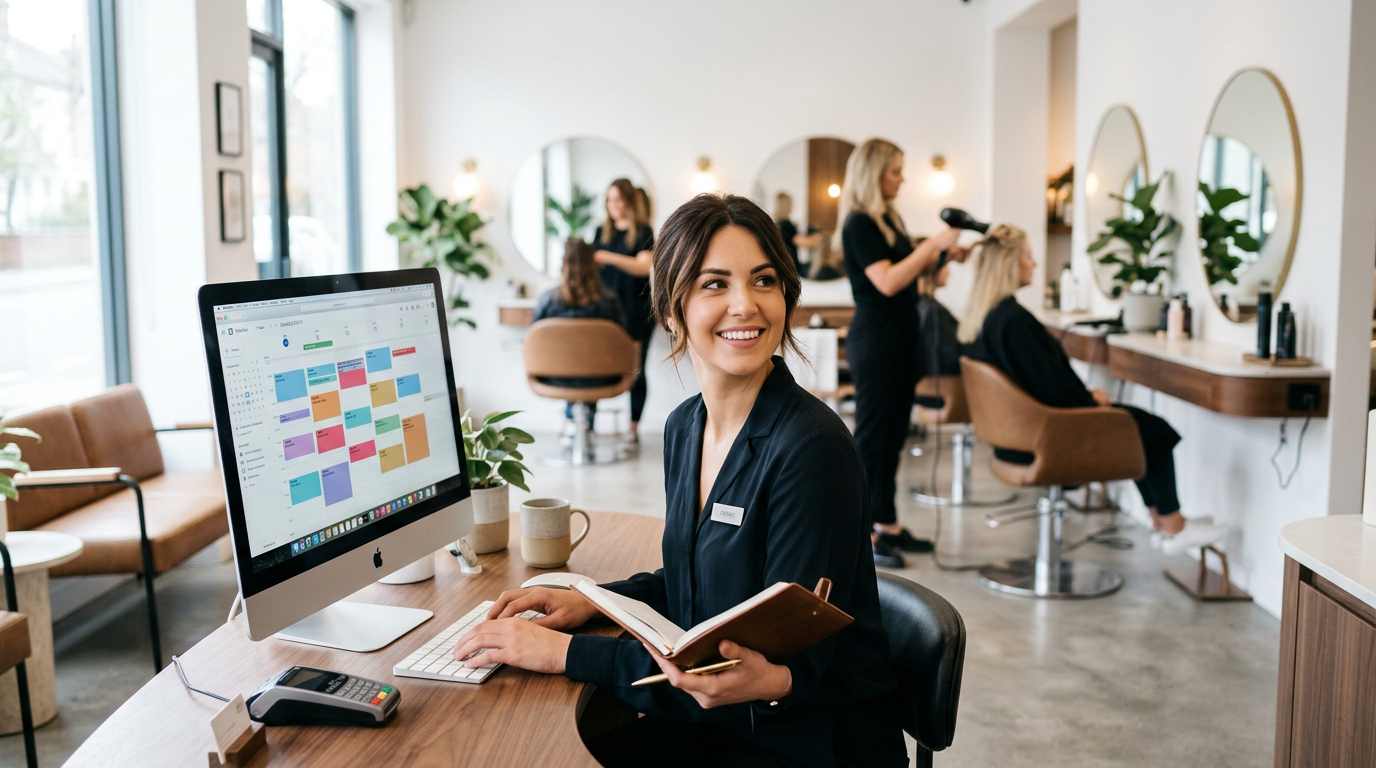
For salon owners, juggling staff availability, client appointments, and service bookings can feel like an endless puzzle. Understanding how do salons manage staff calendars and client bookings efficiently is key to maintaining a smooth operation and a thriving business. Without a clear system, you risk double-bookings, staff burnout, and missed revenue. From independent stylists to multi-chair salons, the fundamental challenge remains: optimising time and resources to provide exceptional service.
In the UK's bustling beauty and wellness industry, effective scheduling isn't just about avoiding chaos; it's about enhancing the client experience, boosting staff morale, and ultimately, growing your bottom line. We'll explore the evolution of salon scheduling, from traditional methods to modern software solutions, and provide actionable insights into creating a system that works for you.
The Evolution of Salon Scheduling: From Pens to Pixels
Not so long ago, the answer to "how do salons manage staff calendars and client bookings?" involved a hefty paper diary, a well-used pen, and a good memory. While quaint, this method was prone to errors, incredibly time-consuming, and offered little flexibility for clients or staff. Missed calls meant missed bookings, and rescheduling was often a convoluted process.
The digital age brought about desktop software, which offered some improvements, but often required manual data entry, local server maintenance, and lacked the convenience of remote access. Today, cloud-based salon management software has become the gold standard, offering unparalleled flexibility, automation, and accessibility.
This shift hasn't just made life easier for salon owners; it's fundamentally changed client expectations. Clients now expect to book online, receive automated reminders, and manage their appointments with minimal fuss. Salons that embrace these digital tools are better positioned to meet these demands and stand out in a competitive market.
Core Strategies for Managing Staff Calendars
Effective staff calendar management is the backbone of any successful salon. It ensures fair workload distribution, prevents overbooking, and allows staff to focus on what they do best: serving clients. Here's how to master it:
1. Centralised Digital Calendars
The days of separate paper rotas for each staff member are long gone. A centralised digital calendar within your salon software is crucial. This allows you to:
- See all staff availability at a glance: Instantly know who's working, who's on break, and who's booked.
- Assign services based on skill and availability: Ensure the right technician is booked for the right service.
- Manage holidays and absences: Staff can request time off, and managers can approve it, all within the system.
- Optimise shift patterns: Identify peak and off-peak hours to adjust staffing levels accordingly.
This level of visibility dramatically reduces scheduling conflicts and helps you ensure adequate coverage for all services offered, whether you're a bustling hair salon, a focused nail salon, or a specialised brows and lashes studio.
2. Clear Communication and Policies
Even with the best software, human elements are critical. Establish clear policies for:
- Time-off requests: Define lead times and approval processes.
- Shift swaps: Outline procedures for staff to exchange shifts.
- Breaks and lunch times: Ensure these are scheduled effectively to avoid disruption.
Regular team meetings to review upcoming schedules and discuss any potential issues can also prevent problems before they arise. When staff understand the system and the expectations, the entire operation runs more smoothly.
3. Leveraging Automation for Efficiency
Modern salon software doesn't just display schedules; it automates many aspects of staff management:
- Automated conflict alerts: The system will flag if you attempt to double-book a staff member or assign a service they aren't qualified for.
- Reporting on staff utilisation: Understand which staff members are fully booked and which have capacity, helping you to make informed decisions about marketing or training.
How Do Salons Manage Client Bookings: Key Components
Managing client bookings is where the rubber meets the road. It's about making it easy for clients to book, ensuring they show up, and keeping them coming back. So, how do salons manage staff calendars and client bookings from the client's perspective?
1. Online Booking Systems
This is non-negotiable in today's market. An online booking system accessible 24/7 empowers clients to book appointments at their convenience, without needing to call during salon hours. Key benefits include:
- 24/7 Accessibility: Clients can book anytime, anywhere.
- Reduced Phone Calls: Frees up front-desk staff to focus on in-salon clients.
- Real-time Availability: Clients see accurate, up-to-the-minute openings.
- Service Descriptions & Pricing: Clear information helps clients choose the right service.
Look for a system that integrates seamlessly with your website and social media, making the booking process as smooth as possible. LushLane, for instance, offers a free 1-page salon website that includes a full online booking portal.
2. Automated Reminders and Confirmations
No-shows are a drain on salon revenue. Automated SMS and email reminders are incredibly effective at reducing them. A robust system allows you to:
- Send instant booking confirmations: Reassure clients immediately after they book.
- Schedule reminders: Send messages 24 or 48 hours before an appointment, often with a confirmation request.
- Customise messages: Tailor the tone and content to match your salon's brand.
Many salons have seen a dramatic reduction in salon no-shows by implementing a reliable reminder system. This not only benefits the salon but also provides a professional and thoughtful touch for clients.
3. Integrated Client Records (CRM)
Answering how do salons manage staff calendars and client bookings also involves understanding and retaining your clients. A good salon software acts as a Customer Relationship Management (CRM) tool, storing vital information like:
- Contact details and preferences: Their preferred stylist, services, and communication methods.
- Service history: What treatments they've had, when, and with whom.
- Notes: Any specific preferences, allergies, or past feedback.
This data helps personalise the client experience, allows for targeted marketing, and ensures consistency regardless of which staff member is serving them. For barbers, for example, knowing a client's last haircut style can make all the difference.
The Role of Salon Software in Optimising Scheduling
Modern salon software is the ultimate answer to "how do salons manage staff calendars and client bookings?" It brings all these elements together into one cohesive platform. Here's what to look for and why it's essential:
- All-in-One Solution: Manages appointments, staff, clients, payments, and marketing from a single dashboard.
- Cloud-Based Accessibility: Access your schedule and client data from anywhere, on any device. Perfect for managing your business on the go.
- Automation: Reduces administrative tasks through automated reminders, confirmations, and online booking.
- Reporting & Analytics: Provides insights into booking trends, staff performance, and peak times, allowing for data-driven decisions.
- Integration Capabilities: Connects with payment processors, marketing tools, and potentially your social media.
Consider the convenience of migrating existing client data. Platforms like LushLane understand the pain of switching, offering a 1-click client import from major systems like Booksy, Fresha, Treatwell, and Phorest. This makes the transition smoother and less daunting.
Comparison: Traditional vs. Digital Scheduling
To illustrate the benefits, let's look at a quick comparison:
| Feature | Traditional (Paper Diary) | Digital (Salon Software) |
|---|---|---|
| Booking Accessibility | Limited to salon hours/phone | 24/7 online booking, app, or in-salon |
| Staff Visibility | Manual, prone to error | Real-time, centralised staff calendars |
| Client Reminders | Manual calls (time-consuming) | Automated SMS/email |
| No-Show Rate | Generally higher | Significantly lower with reminders |
| Client Data | Scattered, hard to access | Centralised, detailed client profiles |
| Rescheduling | Manual erasure/call-backs | Online client portal, quick in-system adjustments |
| Cost | Low upfront, high indirect | Fixed monthly fee (e.g., £22/month), high efficiency |
| Reporting | Non-existent | Detailed business insights |
| Error Rate | High (double bookings, miswrites) | Low (automated conflict checks) |
Getting the Most Out of Your Scheduling System
Simply having software isn't enough; you need to utilise it effectively. Here's a checklist for optimising your salon's scheduling:
- Train Your Team Thoroughly: Ensure all staff members, from receptionists to stylists, are proficient in using the software for booking, rescheduling, and accessing client notes.
- Customise Service Offerings: Accurately list all your services, their durations, and prices. Ensure you account for prep and clean-up time within your booking slots.
- Set Up Staff Working Hours Correctly: Define exact availability, breaks, and special conditions for each team member. This underpins the accuracy of your online booking.
- Leverage Online Booking Widgets: Embed your online booking link prominently on your website, social media profiles, and even your Google My Business listing.
- Use Automated Communication: Customise and enable all automated SMS and email confirmations, reminders, and follow-up messages. Consider linking to strategies for retaining clients in follow-up messages.
- Encourage Online Reviews: Integrate a prompt for clients to leave reviews after their service, perhaps linking to tips on getting more Google reviews for your salon.
- Monitor Reports: Regularly review booking trends, staff utilisation, and no-show rates to identify areas for improvement. This helps you understand how your salon is truly performing.
- Utilise Deposit Systems: Implement a salon deposit system for high-value services or new clients to further mitigate no-shows and secure revenue.
By following these steps, you’ll not only manage your schedule but also transform it into a powerful tool for business growth.
LushLane: A Better Way to Manage Your Salon
At LushLane, we believe that powerful salon management shouldn't come with hidden costs or complicated contracts. We offer a straightforward, premium platform designed for UK salons, barbers, and wellness businesses. For a flat fee of just £22/month, you get unlimited staff, zero commission on bookings, and a comprehensive suite of features that directly address how do salons manage staff calendars and client bookings efficiently.
Our platform includes robust online booking, automated reminders, detailed client management, and a free 1-page salon website – everything you need to streamline your operations and grow your business. We understand the specific needs of UK businesses and provide an intuitive, reliable service that lets you focus on your craft. You can even try us out with a free 30-day trial, allowing you ample time to experience the benefits without commitment.
Frequently Asked Questions About Salon Scheduling
H3: What is the best way for a small salon to manage bookings?
For a small salon, a cloud-based salon management software like LushLane is ideal. It offers all the benefits of larger systems – online booking, automated reminders, client management – without the complexity or high cost. This allows you to professionalise your operation from day one and scale easily.
H3: How can I reduce no-shows in my salon?
The most effective way to reduce no-shows is by implementing automated SMS and email reminders. Sending a confirmation message immediately after booking and a reminder 24-48 hours before the appointment significantly improves attendance. Taking deposits for new clients or high-value services can also deter no-shows.
H3: Is online booking essential for my salon?
Yes, online booking is now considered essential. Clients expect the convenience of booking appointments 24/7 without needing to call during business hours. It frees up your front desk, reduces administrative tasks, and helps you capture bookings you might otherwise miss outside of operating hours.
H3: How does salon software help with staff management?
Salon software provides centralised digital calendars, allowing managers to view staff availability, assign services, approve time off, and track staff performance all in one place. It helps prevent double bookings, ensures fair workload distribution, and optimises staffing levels based on demand.
H3: Can I switch salon software easily if I have client data in another system?
Yes, many modern salon software providers understand this challenge. LushLane, for example, offers a 1-click client import feature that allows you to easily transfer client data from platforms like Booksy, Fresha, Treatwell, and Phorest, making the transition seamless and hassle-free.
Conclusion: Mastering Your Schedule for Salon Success
Understanding how do salons manage staff calendars and client bookings is no longer a mystery; it's about adopting smart, efficient systems. The days of manual booking and fragmented communication are behind us. Modern salon software provides the tools necessary to streamline operations, enhance client satisfaction, and empower your team.
By embracing online booking, automated reminders, and centralised client and staff management, you're not just organising appointments – you're building a more resilient, profitable, and client-focused business. Take control of your salon's future.
Ready to see how LushLane can transform your salon's scheduling? Start your 30-day free trial now and experience the difference.
More guides for salon owners
- salon deposit system UK guide
- salon text reminder templates
- best barber booking app UK 2026
- nail salon booking app UK
- how to get more Google reviews for your salon
- salon client retention strategies
- salon software pricing UK comparison
- online booking page for hair salons